
Check it before
you wreck it
Your future matters more than one more scroll.
Grade GPS turns everything your teacher says, assigns, and grades into the exact next action needed to reach your goal.
Opening to students in small groups. The demo shows exactly what you’ll get.
AP Environmental Science
EstimateFictional demo student
Now
89.4%
Projected
91.7%
Target
93%
Score 95 and you'll need 95.8% on everything after it to reach 93%.
Right now the student needs 95.5% across the remaining work. Calculated live by the same engine the app uses.
The problem
Phones and grades are a national study problem
4.8hrs
a day the average U.S. teen spends on social media
51%
of teens spend 4 or more hours a day on social media
100+
times a day teens check their phone, on average
237+
notifications a day for more than half of the teens in one study
23%
of those notifications arrive during school hours
72%
of high school teachers say phone distraction is a major problem in their classroom
Locking phones away helps…
30%
fewer phone pings in schools that lock phones in pouches
However…
≈0
change in test scores, even three years later, in that same national study
Taking the phone away isn't a plan
Students also need to know what to do instead. Grade GPS shows the exact score you need, what to study first, and a break you earn by passing a quick check.
Phone use is linked to distraction, but research on whether phone rules raise grades is mixed. Some studies find gains for lower-achieving students, and the largest U.S. study found almost none. Grade GPS doesn't block apps; it gives you a reason and a plan to put the phone down.
Sources
- Gallup, Teens Spend Average of 4.8 Hours on Social Media Per Day — 1,591 teens ages 13 to 19, surveyed June to July 2023. Covers seven social media platforms.
- Common Sense Media, Constant Companion (2023) — About 200 Android users ages 11 to 17, tracked for a week. Small sample.
- Pew Research Center, 72% of U.S. high school teachers say cellphone distraction is a major problem — Teacher survey, fall 2023.
- The Hechinger Report, summary of global research on school phone bans — Reports a U.S. study of 40,000+ schools using locking pouches (a 2026 working paper, not a finished publication).
See how Grade GPS works
Five steps, from what happened in class to the one thing you should do next.
- 1
Record or upload class material
Paste notes, upload slides, or record a lecture when your teacher allows it.
- 2
Import assignments and grades
Screenshot your gradebook once a week. You confirm every score before it's saved.
- 3
Set a target grade
Pick the grade you want in each class. Grade GPS uses your teacher's actual grading rules.
- 4
Receive an exact study plan
See what to do first, and why — due dates, grade impact and your weakest topics.
- 5
Prove mastery, then take a break
Pass a short check on what you studied to start the break you chose.
From a lecture to a plan in one step
Here's a real run on a fictional APES lesson. The middle and right panels are generated by the app, not written for this page.
Pasted notes from class (fictional)
Exponential growth: when resources are unlimited a population grows at a constant per-capita rate. The graph is a J-curve.
Biotic potential (r): the maximum rate a population can grow under ideal conditions.
Carrying capacity (K): the maximum population an environment can sustain indefinitely.
Logistic growth: growth slows as the population approaches K, so the curve becomes an S-curve.
Overshoot: the population temporarily goes above K. Example: reindeer on St. Matthew Island reached about 6,000 then crashed to about 42 after they overgrazed the lichen.
Density-dependent factors (disease, competition, predation) get stronger as density increases. Density-independent factors (hurricanes, drought, fire) do not depend on density.
Rule of 70: doubling time ≈ 70 ÷ growth rate (%). For example, 2% growth per year doubles in about 35 years.
Organized automatically — you can edit every line
- Exponential growth
- when resources are unlimited a population grows at a constant per-capita rate.
- Biotic potential (r)
- the maximum rate a population can grow under ideal conditions.
- Carrying capacity (K)
- the maximum population an environment can sustain indefinitely.
- Logistic growth
- growth slows as the population approaches K, so the curve becomes an S-curve.
Your teacher stressed: you will absolutely see a rule-of-70 calculation — show your work.
Assignment found: finish the Lab 4 carrying-capacity graph and analysis questions.
Top item in the student's study plan
Review population growth models
Review population growth models first because your APES exam is tomorrow, this topic had your lowest quiz mastery (60%), and the exam is part of a category worth 65% of your grade.
Then a 5-question mastery check, built from these same notes.
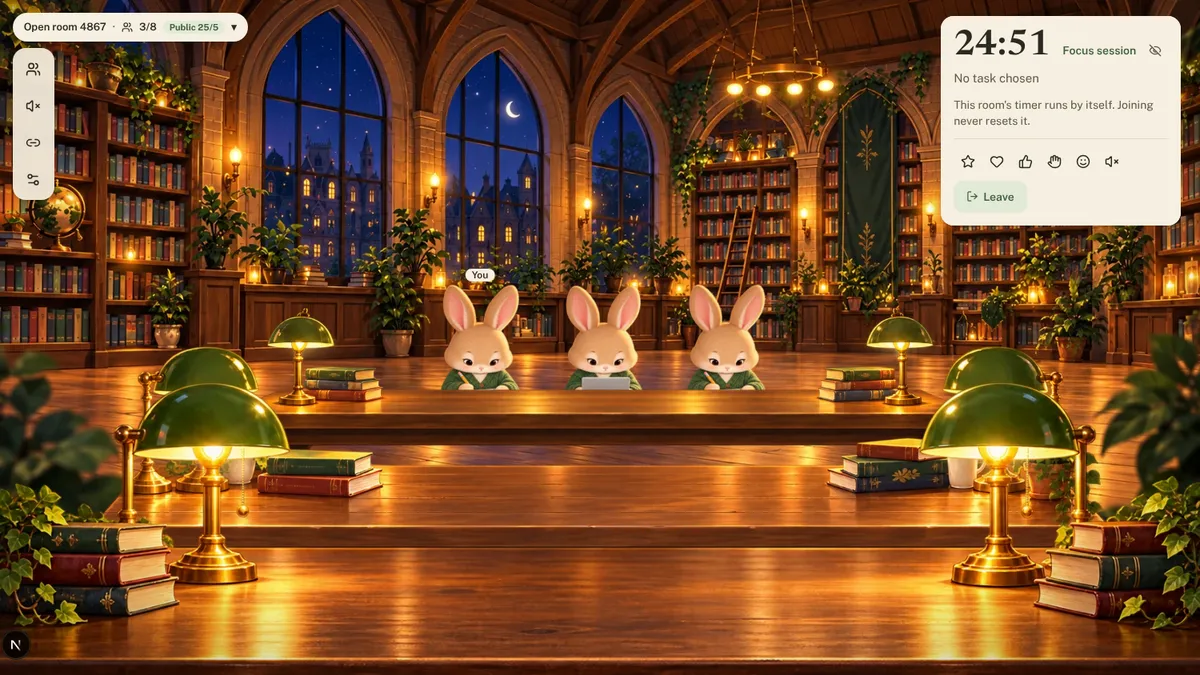
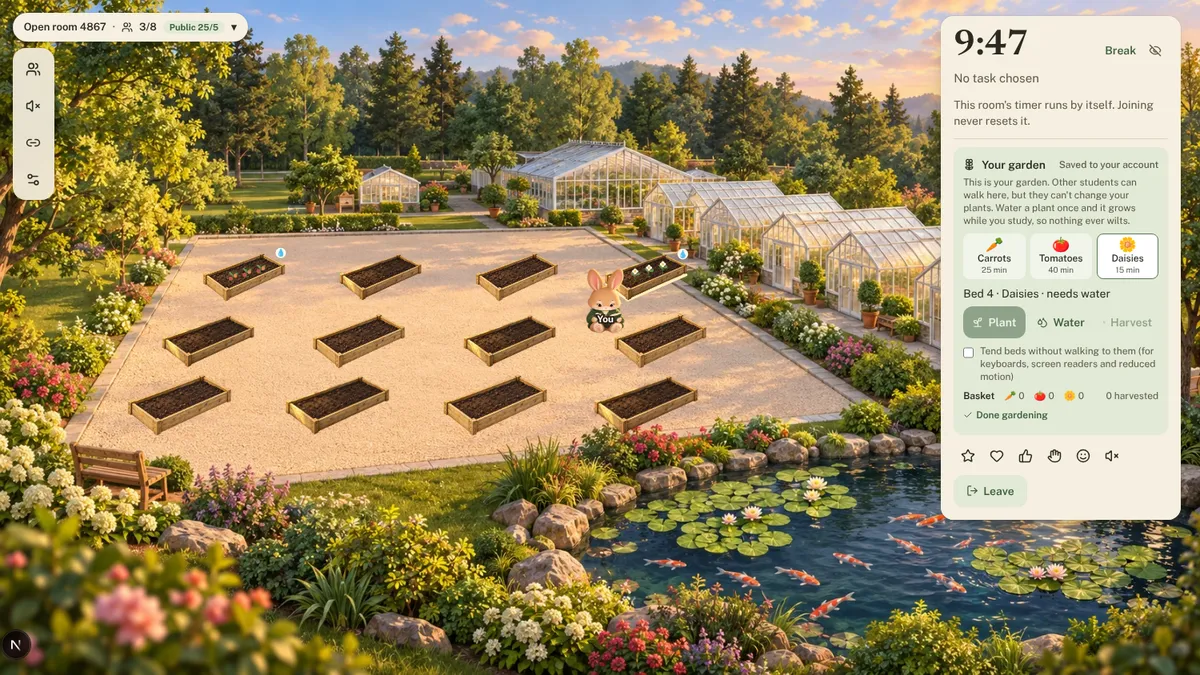
Study rooms, for quiet company
No video, no voice. Study beside other students in a shared library with a shared timer, or alone in your own room. These are screenshots of the app.

Every estimate shows its math
The grade calculator follows your class's real rules — points or weighted categories — and tells you when a target can't be reached instead of pretending it can.
- Dropped lowest scores
- Excused and missing work
- Extra credit
- Retakes and replaced scores
- Teacher rounding
- Categories with no grades yet
“You currently have 89.4%. Your target is 93%.”
“You need an average of at least 95.5% on the remaining graded work.”
“Reaching 98% is not mathematically possible with the assignments currently entered.”
Examples from the fictional demo student.
What Grade GPS does that other tools don't
| Feature | Grade GPS | Planner apps | Flashcard apps | School gradebook |
|---|---|---|---|---|
| Shows your current grade | ||||
| Exact score needed to hit a target grade | ||||
| Uses your teacher's weights, drops and rounding | Partly | |||
| Tells you what to study first, and why | Partly | |||
| Turns class notes into flashcards and quizzes | Partly | |||
| Checks mastery before a break | ||||
| Works for every class in one place | Partly |
General categories of tools, not specific products.
What students say
Grade GPS is being tested with students now. Real quotes will replace these placeholders once testers share them.
A real student's words about Grade GPS will go here after testing.
A real student's words about Grade GPS will go here after testing.
A real student's words about Grade GPS will go here after testing.
Simple pricing
Free for one class. Plus covers every class you take.
Grade GPS Free
Everything you need for one class.
$0
- One active class
- Manual grade entry
- Weekly gradebook screenshot check-in (up to 5 screenshots a week)
- Basic grade calculator
- 30 minutes of lecture audio a week
- One generated study set a week
- Basic mastery quizzes
- Focus timer
Grade GPS Plus
Every class, every tool, ranked together.
$71.99/year
That's $6.00 a month.
- Unlimited classes
- More lecture-processing minutes
- Automatic organization of class material
- Unlimited study sets
- Advanced grade calculator: weight experiments and saved scenarios
- Syllabus analysis
- Mastery checks built from your weakest topics
- Cross-class prioritization
- Weekly academic progress reports
- Classroom integrations as they launch
Plans start when your spot opens. Nothing is charged to join.
Your grades are yours
Grade GPS handles information about students, many under 18. It's built to collect as little as possible and to let you delete everything.
Read the privacy policyNo school passwords
Never PowerSchool, Google or Canvas. You share screenshots you choose.
Only you see your data
Database rules keep every student's data separate. Admins see totals only.
Delete anything
Recordings, transcripts, screenshots, syllabi, or your whole account.
Not used for training
Your files are never used to train AI models.
Questions
Does Grade GPS need my PowerSchool password?
No, and it never will. You take screenshots of your own gradebook and confirm what Grade GPS reads. Grade GPS can't log in to any school account.
Will the grade calculator tell me my final grade?
It gives an estimate using the grading rules you confirm, and shows the formula and assumptions behind every number. Teachers can curve, reweight or round differently, so your gradebook is always the official grade.
Does it block apps on my phone?
Not yet. Focus mode is a commitment prototype: you choose what you're waiting for, study, and pass a short mastery check before your break timer starts. A website can't block other apps, so Grade GPS doesn't claim to.
Can I record my teacher?
Only if your teacher and school allow it. Grade GPS asks you to confirm permission before every recording, and you can always type notes instead.
Does it connect to Google Classroom or Canvas?
Yes, read-only, where your school allows it: you sign in on Google's or Canvas's own page and Grade GPS imports your classes, assignments and grades. Canvas has to be enabled for each school. A direct PowerSchool connection needs your district's approval, so PowerSchool students use the weekly screenshot check-in.
Who can see my grades?
Only you. Other students can't, and the founder's admin view shows totals like how many classes have been created — never your grades, notes or files.
Is my data used to train AI?
No. If an AI provider is switched on to read screenshots or organize notes, your files are sent only to process your request.